
CRM & Lead Management
A CRM That Moves Deals Forward On Its Own
Capture, assign and qualify leads, run pipelines with quotations and targets, and let condition-based workflows assign the next activity automatically.
- Works with every Effezient module
- Android & iOS apps
- Pay only for active users
- Hot18
- Warm21
- Cold7
Pipeline Value By Stage
Leads By Source
- Field Visit24
- Referral14
- Website12
- Exhibition8
Trusted by growing businesses across India since 2014




Sound familiar?
The Problems CRM & Lead Management Solves
Leads living in personal phones
When a salesperson leaves, their leads and history leave with them.
Forgotten follow-ups
Hot leads go cold because nobody was reminded to call back.
No reliable forecast
Pipeline numbers live in spreadsheets that are out of date the day they are shared.
Features
Everything In CRM & Lead Management
Lead capture & assignment
Import leads in bulk from events and social platforms and assign them to your calling staff.
Pipelines & quotations
Stages, products and quotations through to Won or Lost, for every product line.
Dynamic workflows
Multiple workflow configurations with condition-based actions and automatic activity assignment.
Sales targets
Individual and team targets tracked against the pipeline in real time.
Lead ageing
Old and inactive leads are flagged before they go cold.
Dashboards & forecasting
Pipeline health, salesperson performance and revenue forecasting in one view.
Effezient Pro mobile app
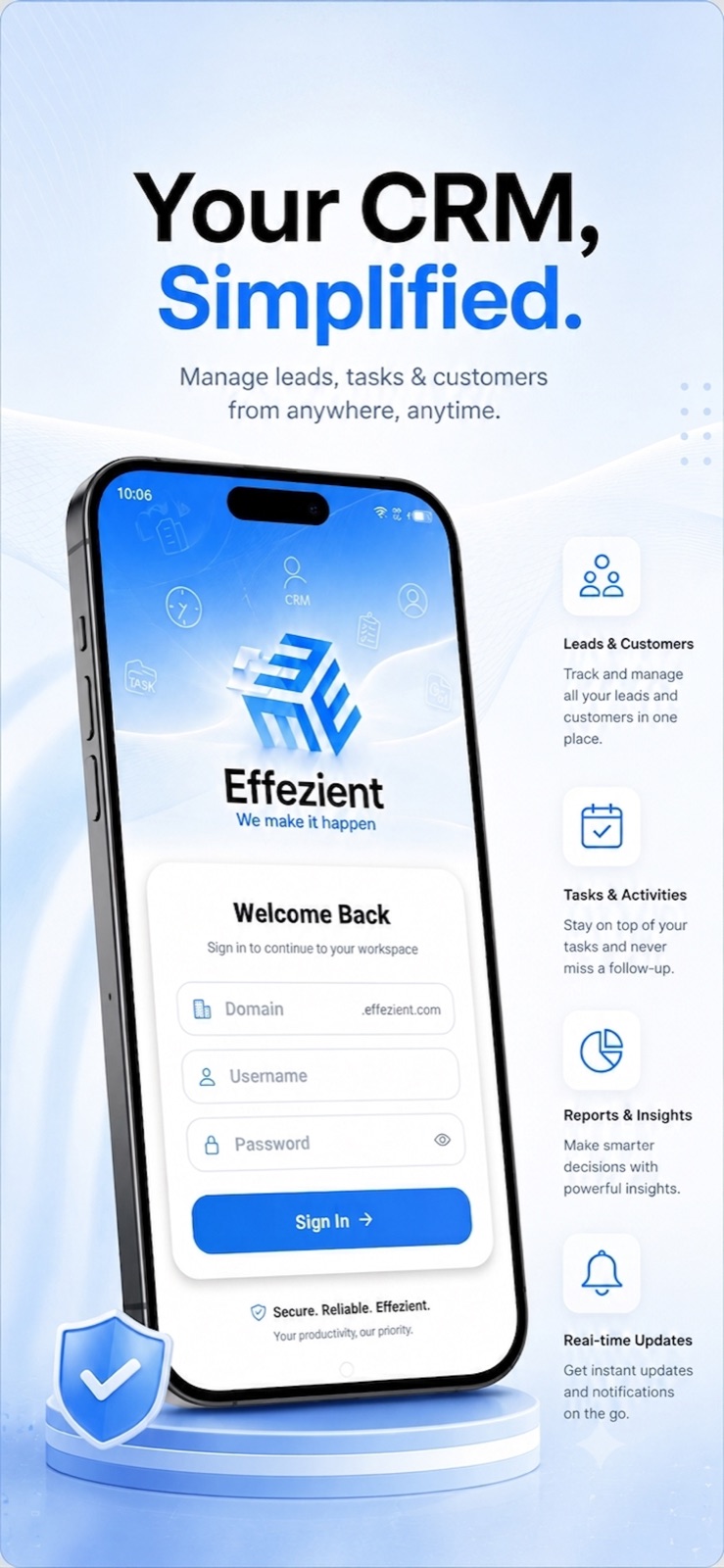
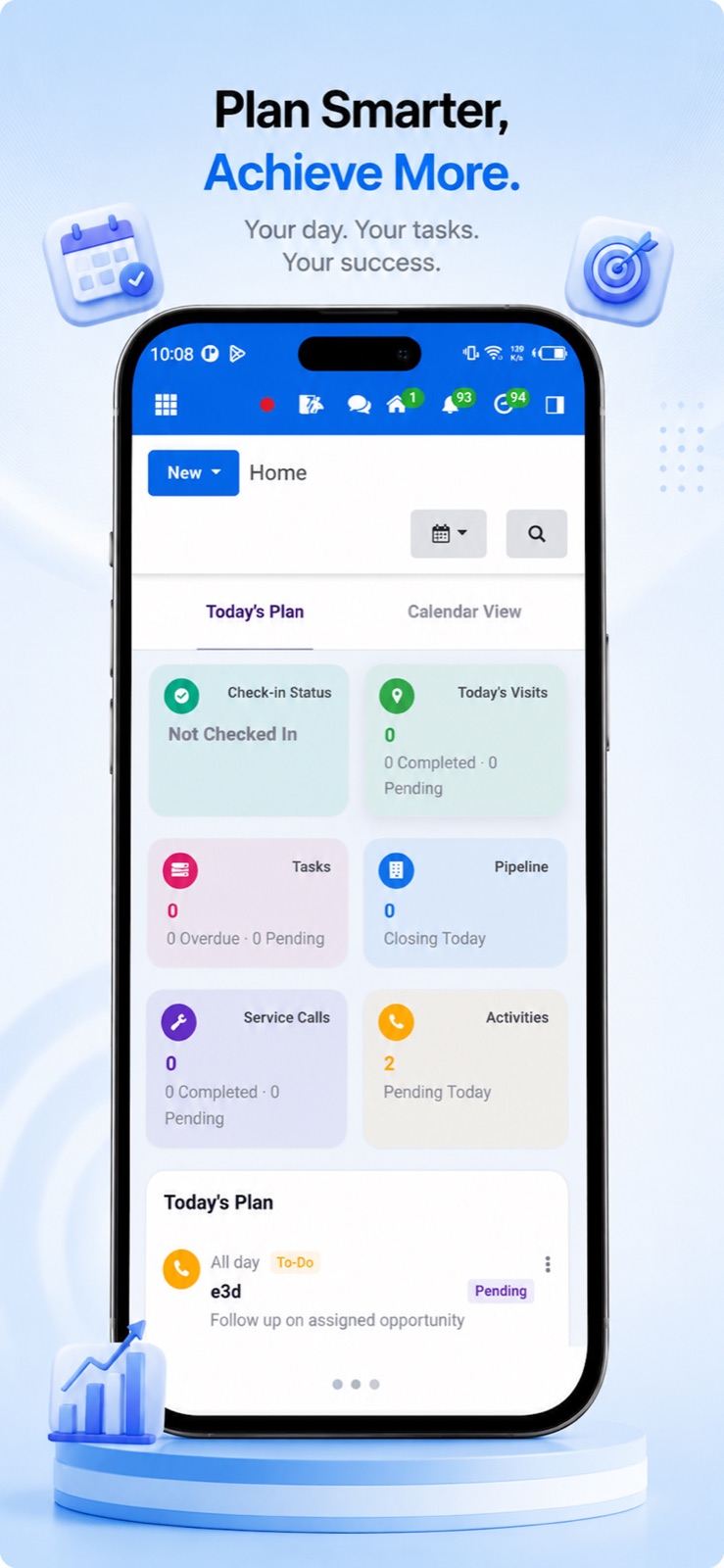
Your CRM, Simplified On Mobile
Leads, tasks, pipeline and customers from anywhere, with follow-up reminders that reach the phone even when the app is closed.
Automated for you
What Happens Without Anyone Lifting A Finger
- New leads are assigned to a salesperson and follow-ups are scheduled
- Qualified leads convert to opportunities and move stage by workflow rules
- Inactivity notifications reach the lead owner before a lead goes cold
- A won opportunity can create its project automatically
- A cross-sell rule can open a new pipeline and assign an activity after 30 days
Where it sits in the connected flow
Works best with
Connect It To The Rest Of Your Business
FAQ
CRM & Lead Management Questions
Can we import leads from events and campaigns?
Yes. Import leads in bulk and assign them to your in-office calling staff or field team in one step.
Can different product lines follow different processes?
Yes. You can configure multiple workflows, each with its own stages, conditions and automatic actions.
What happens when a deal is won?
If the opportunity is flagged for a project, the project is created automatically. Cross-selling rules can also open a new pipeline for the same customer.